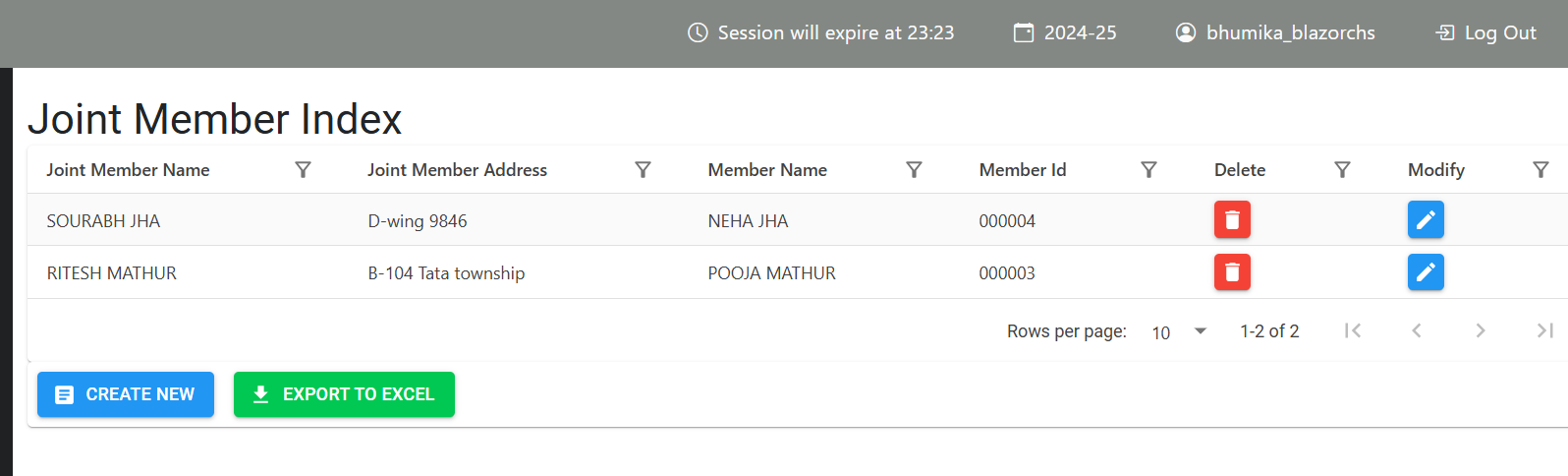
How to Create Records in Joint Member
Overview
This guide provides a quick step-by-step process for How to Create Records in Joint Member.
Step 1: Navigate to the System Tools Module
Click on Member —> Supplementary Details —> Joint Member
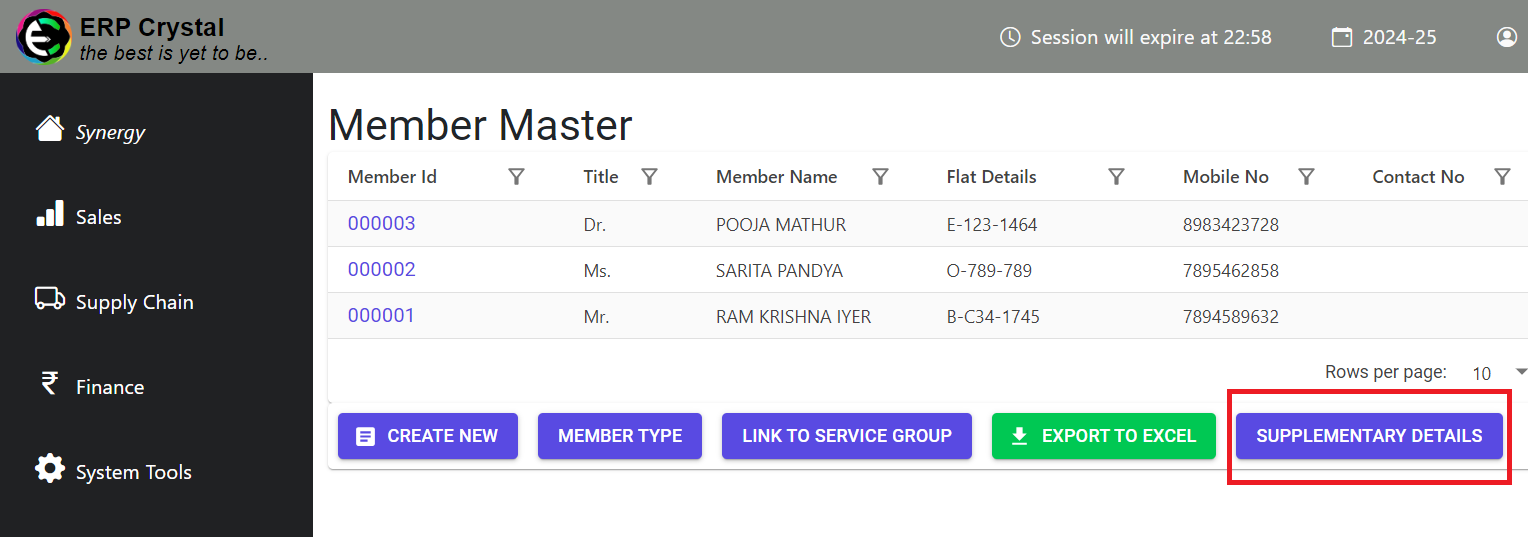
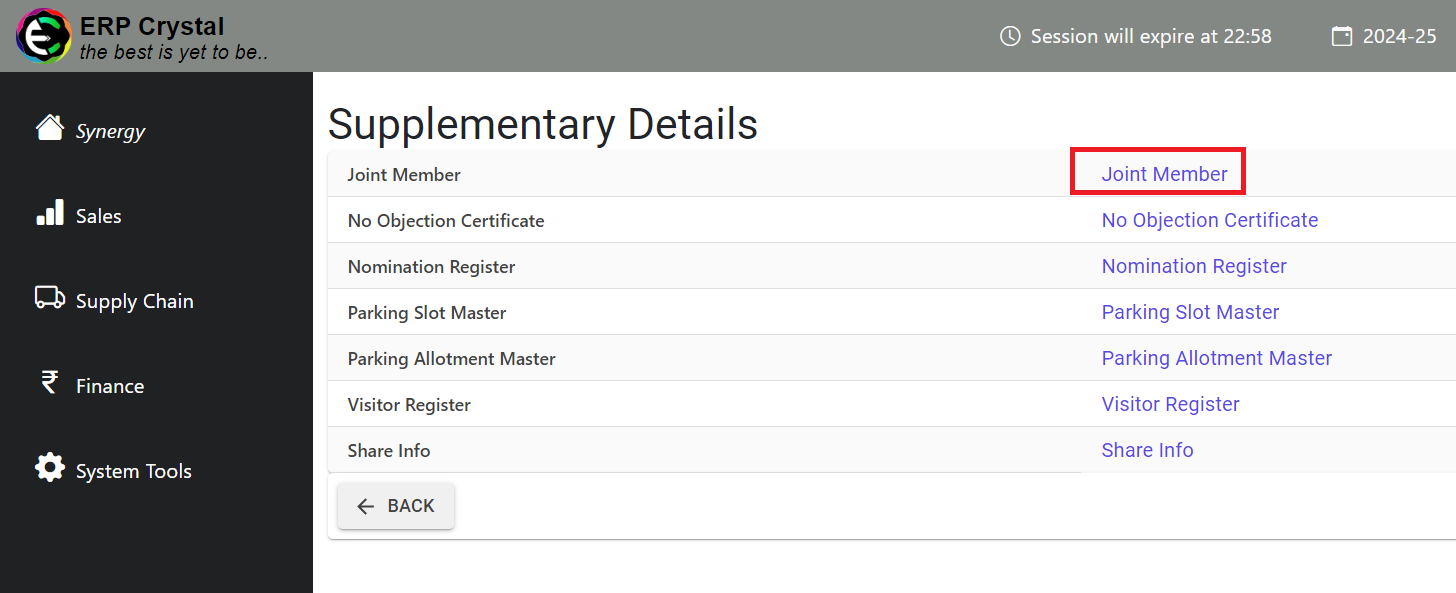
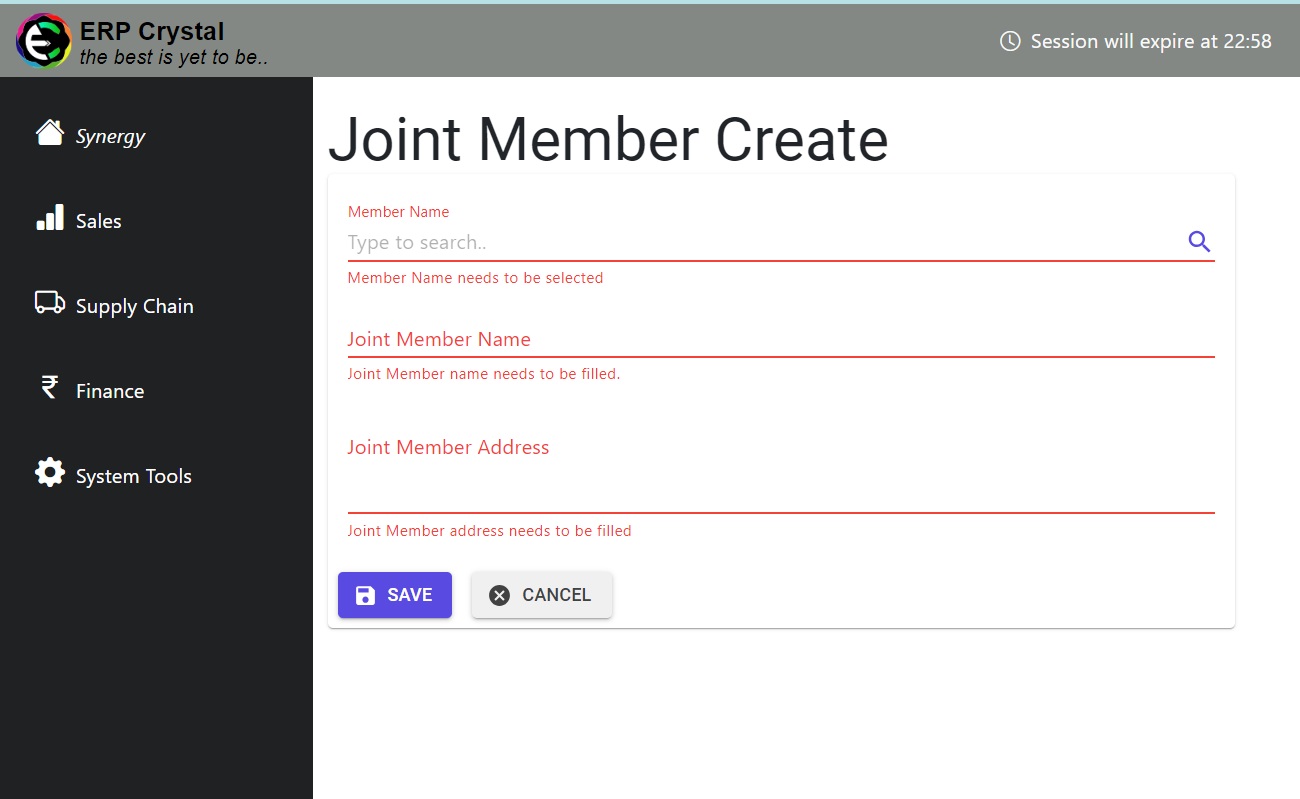
Step 2: Create
Click on Create New
Fill in the details and Click on Save to Create Records
Note: You may not add more than five joint members for a single member.
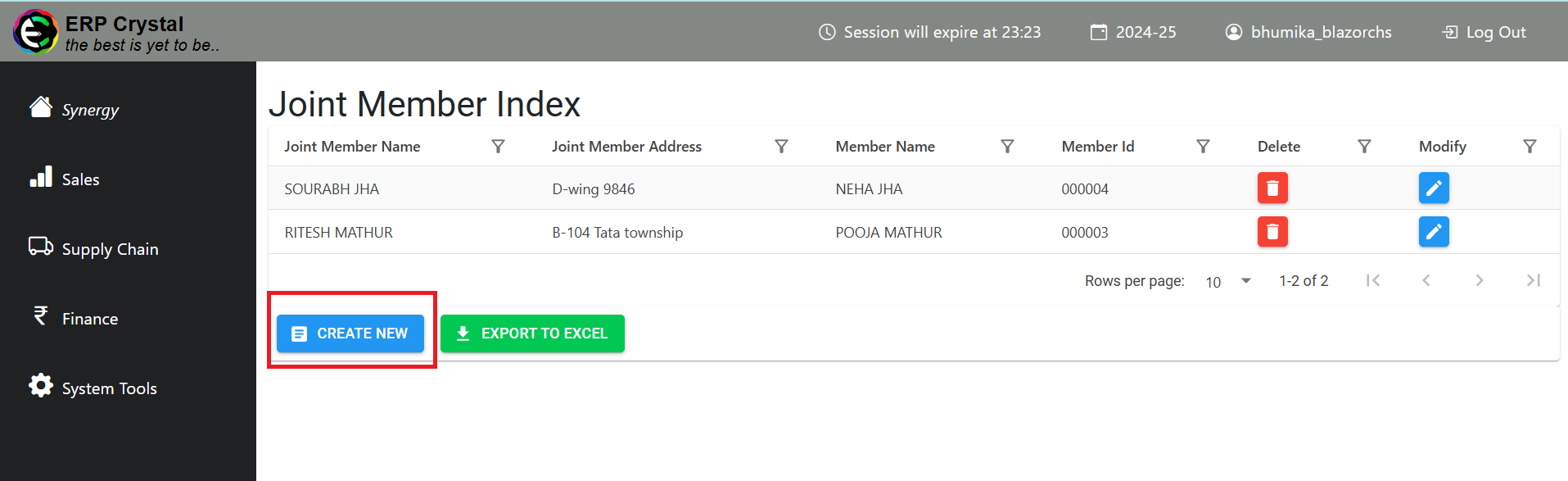
Step 3: Additional Features
After clicking on Save it will redirect to Index page where you can access other features