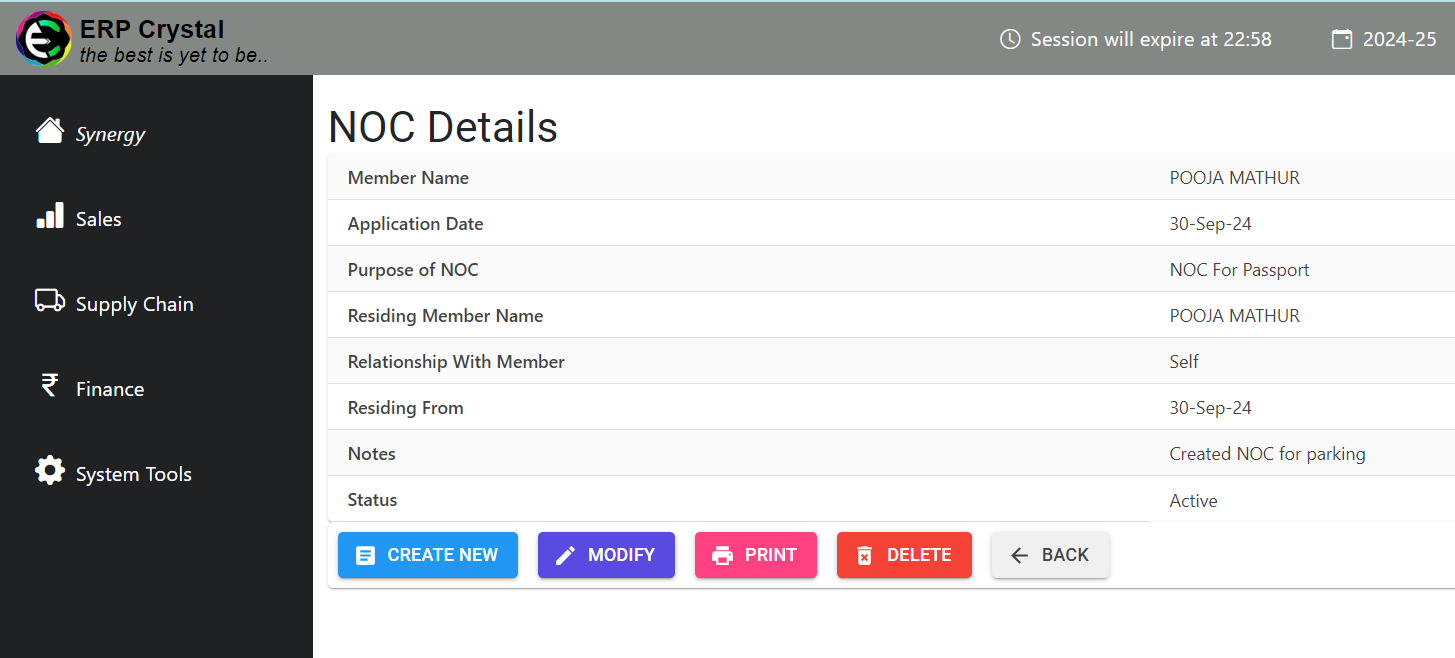
How to Create Records for NOC
Overview
This guide provides a detailed, step-by-step process for Creating Records for NOC (No Objection Certificate).
Step 1: Navigate to the System Tools Module
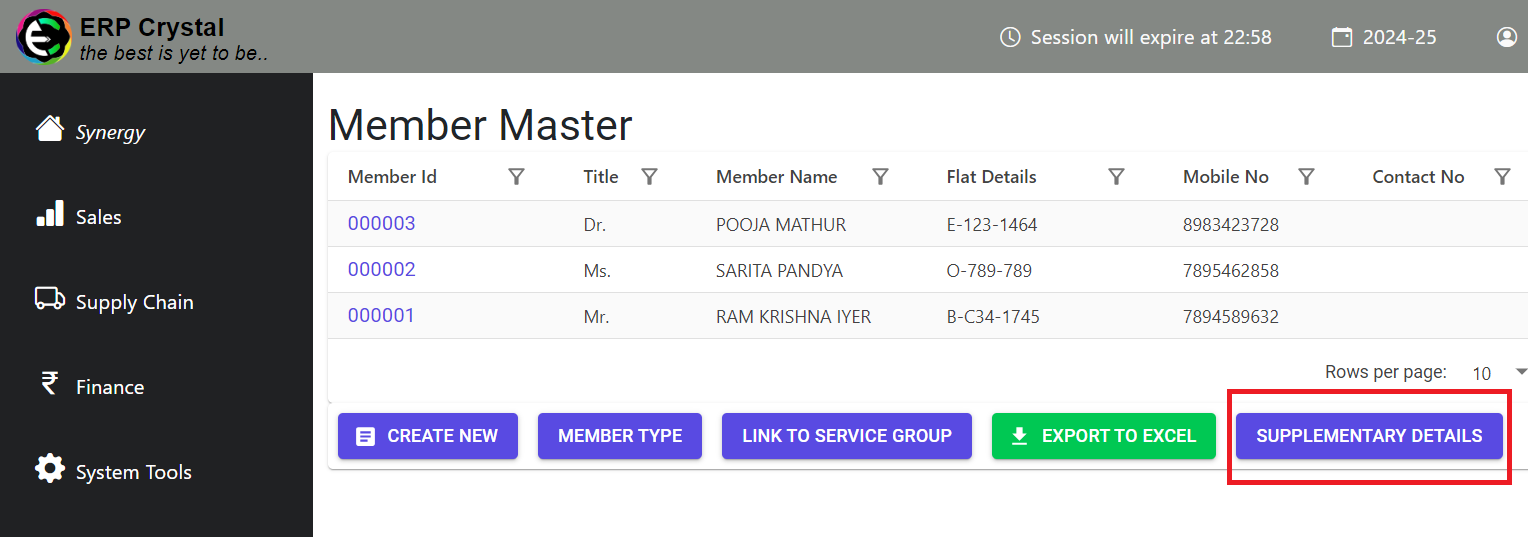
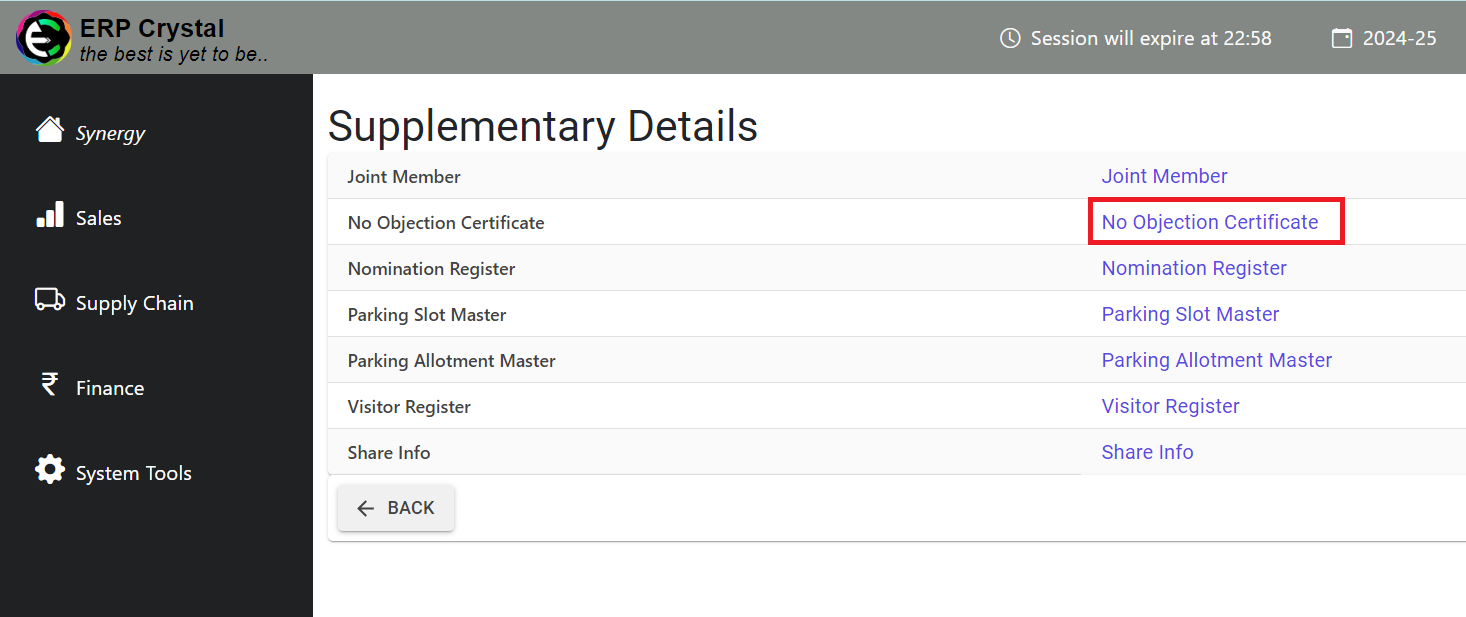
Click on Member —> Supplementary Details —> No Objection Certificate
Step 2: Select NOC Type
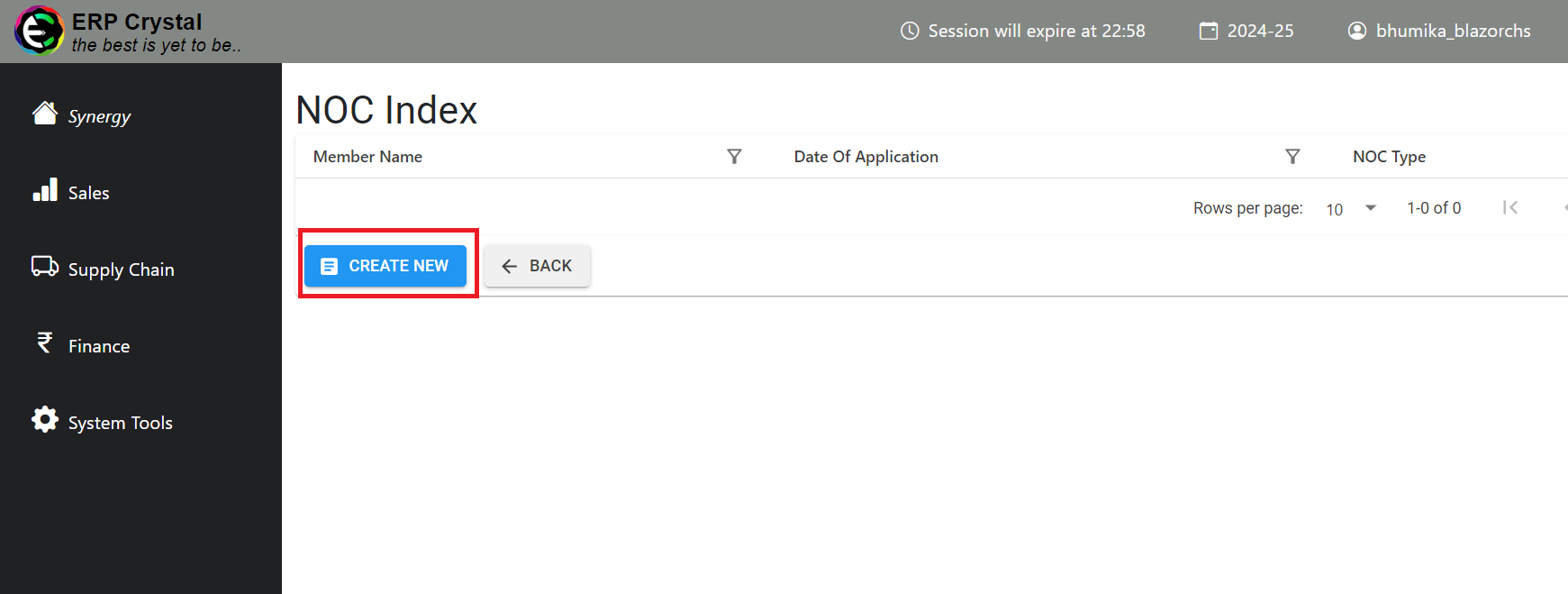
Click Create New
After clicking on Create New, you will be prompted to select the NOC type. Choose the appropriate type and proceed by clicking Create New again.
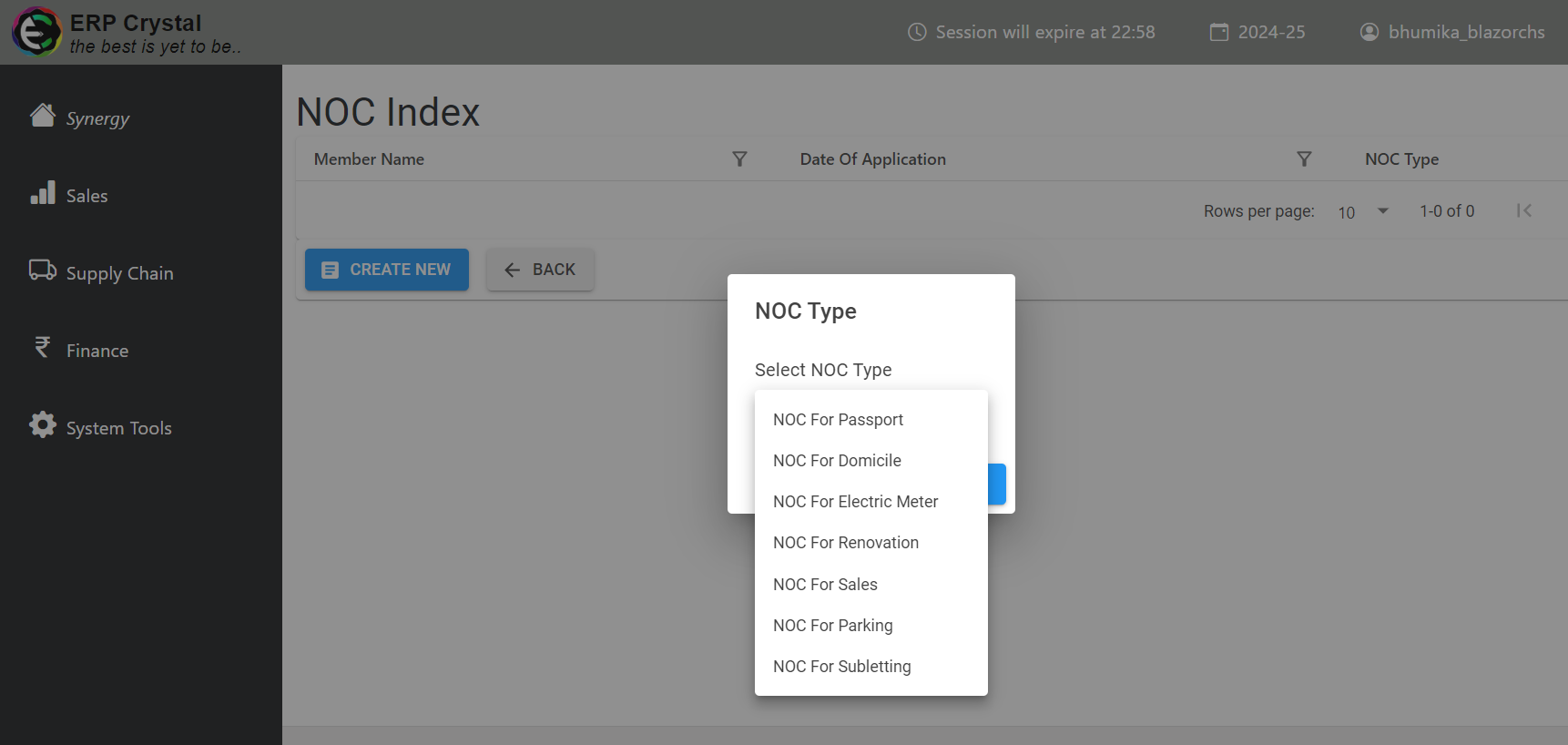
Step 3: Fill the Details
Key in the details as required and click on Save button.
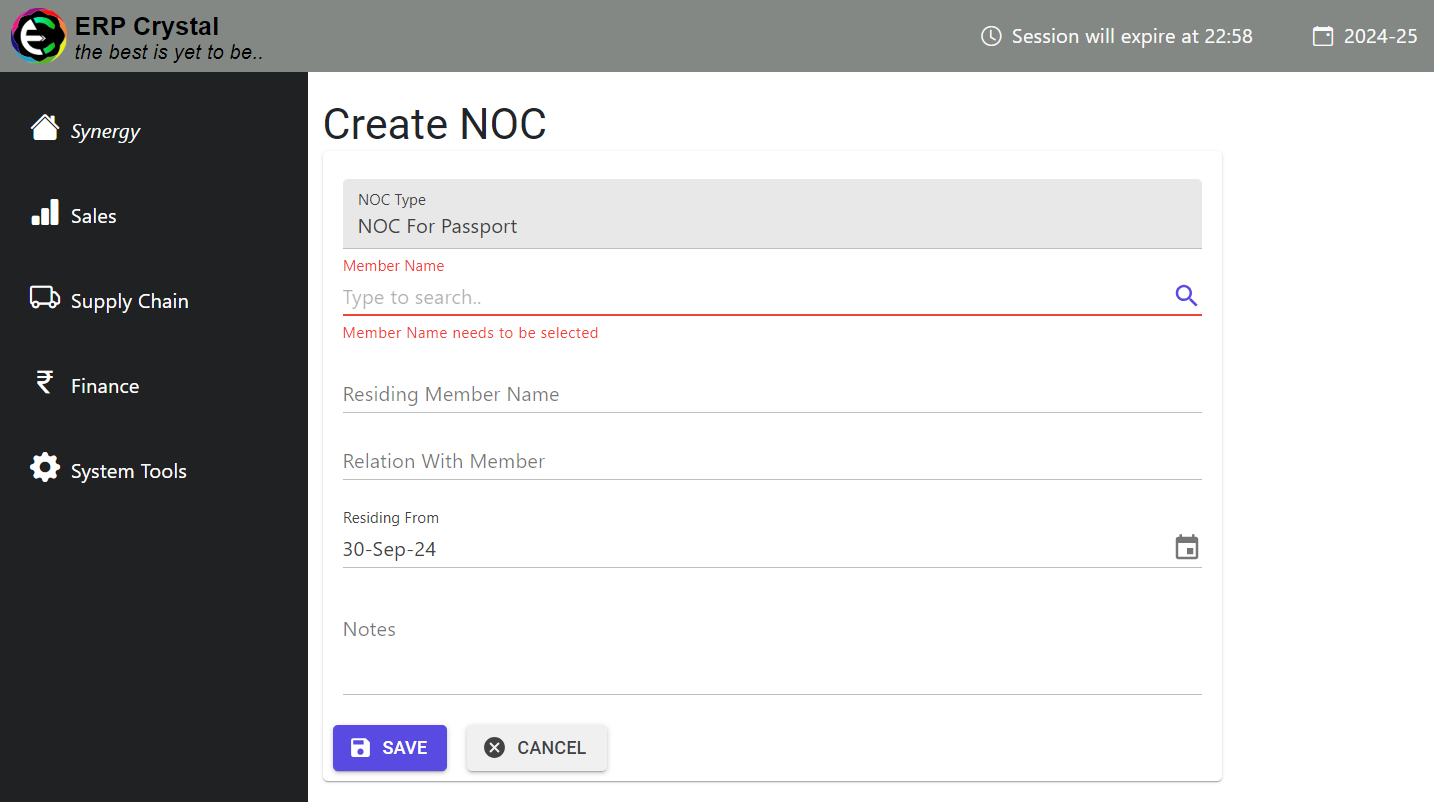
Step 3: Additional Features
Once saved, the system will redirect you to the details page where you can review the NOC record and access additional features as needed.