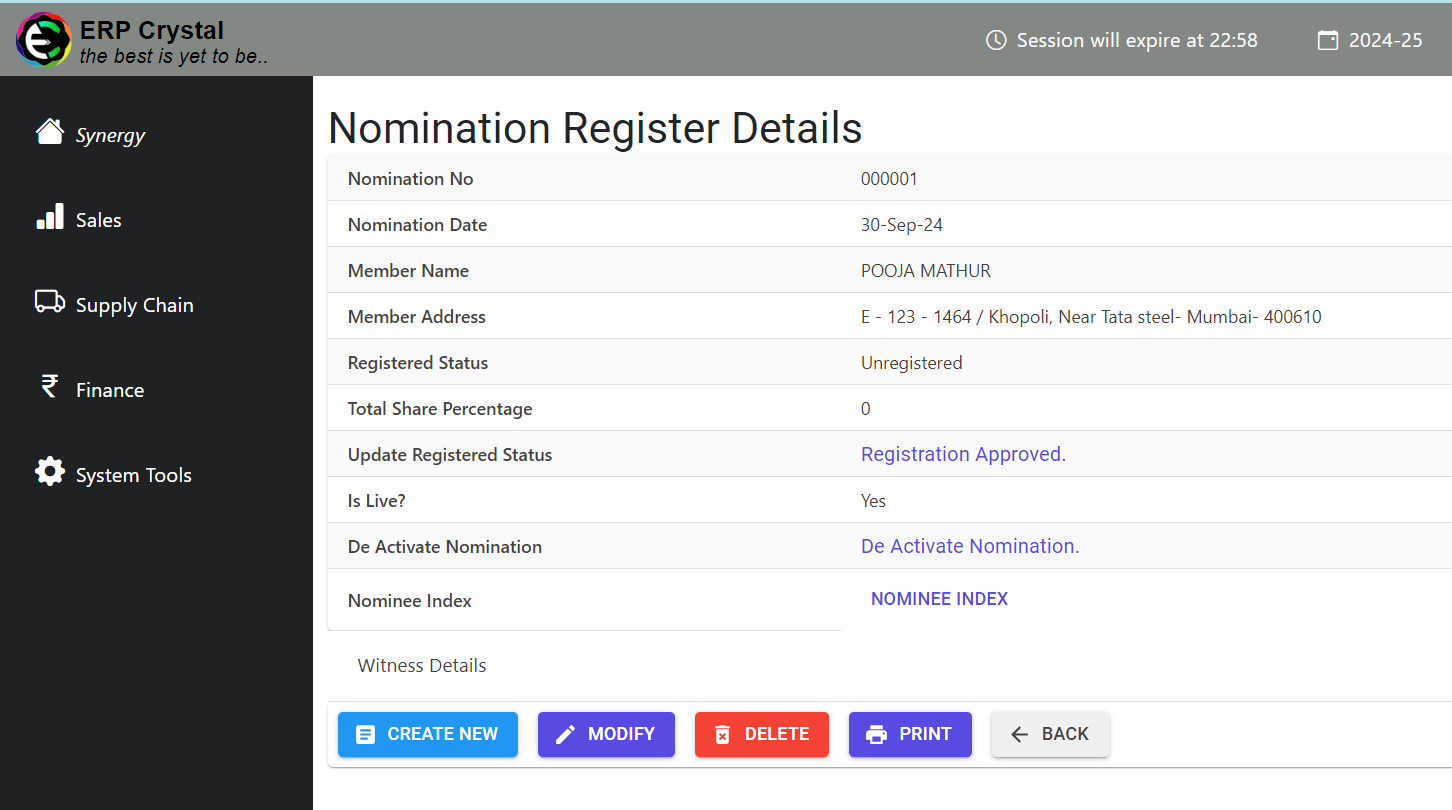
How to Create Records for Nomination Register
Overview
This guide provides a quick step-by-step process for How to Create Records in Nomincation Register.
Step 1: Navigate to the System Tools Module
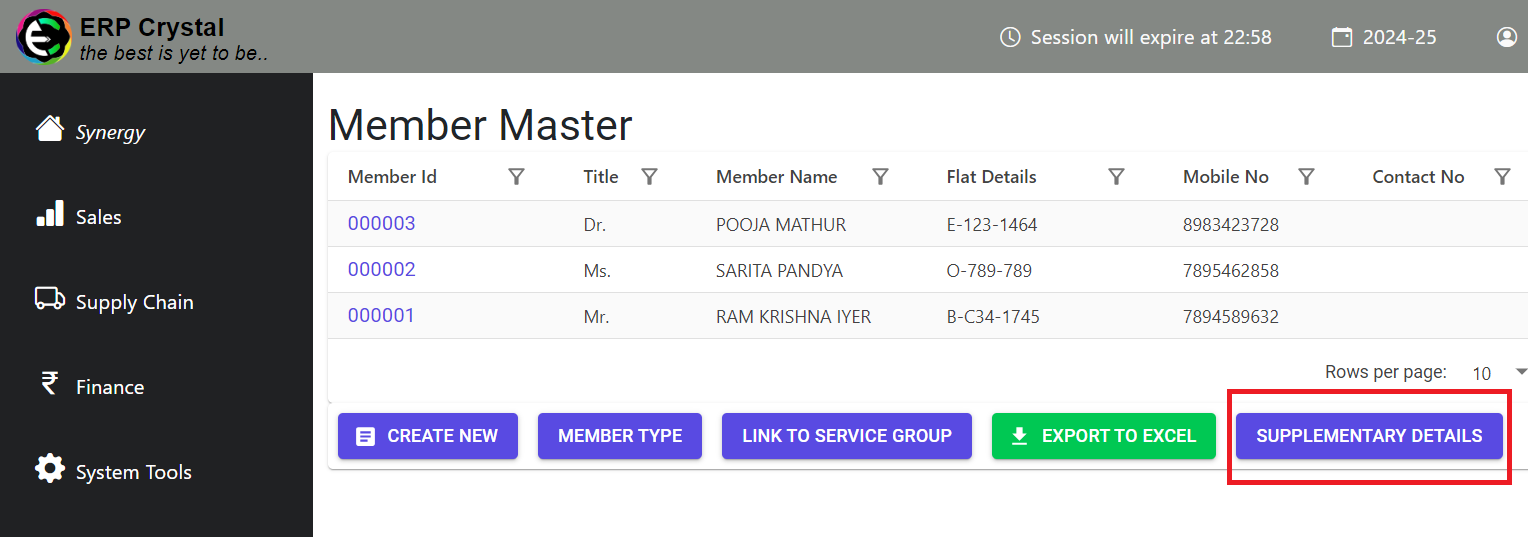
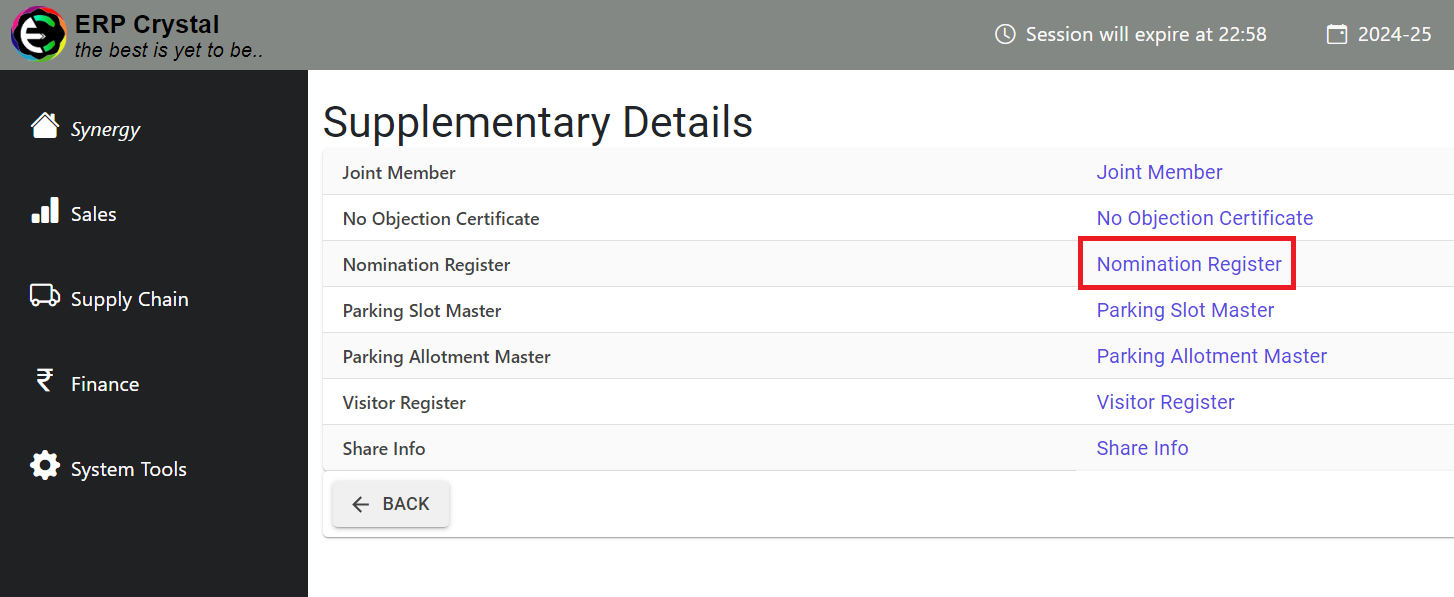
Click on Member —> Supplementary Details —> Nomination Register
[Parking Slot] Step 2: Create
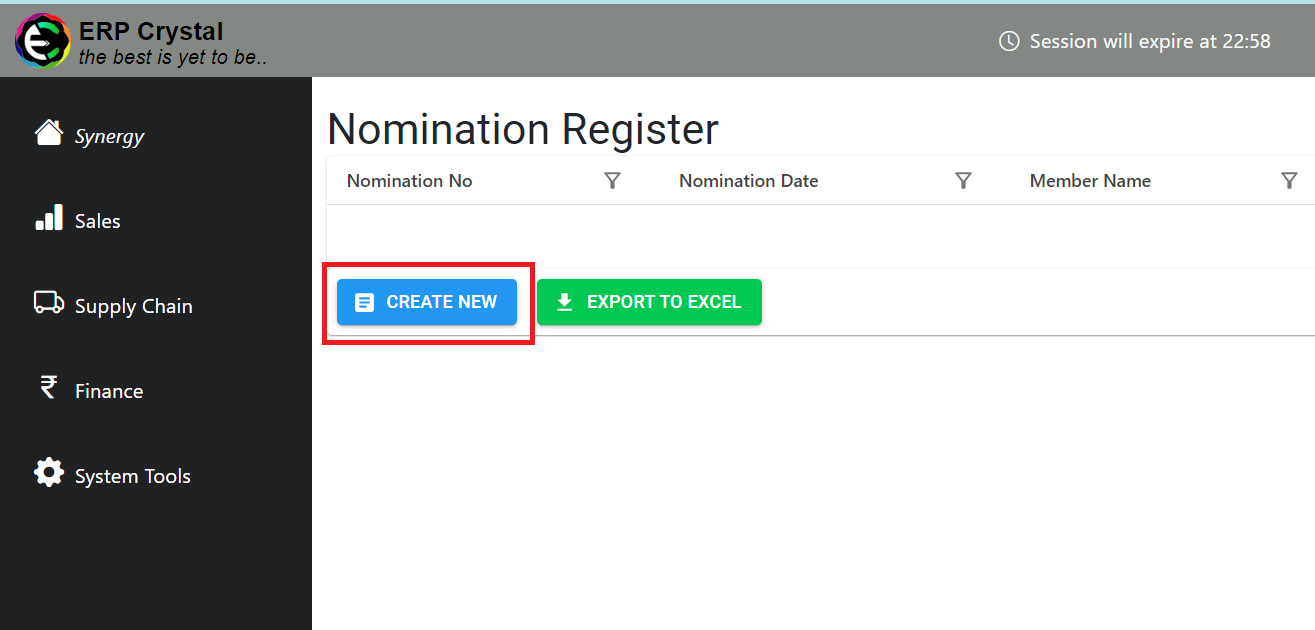
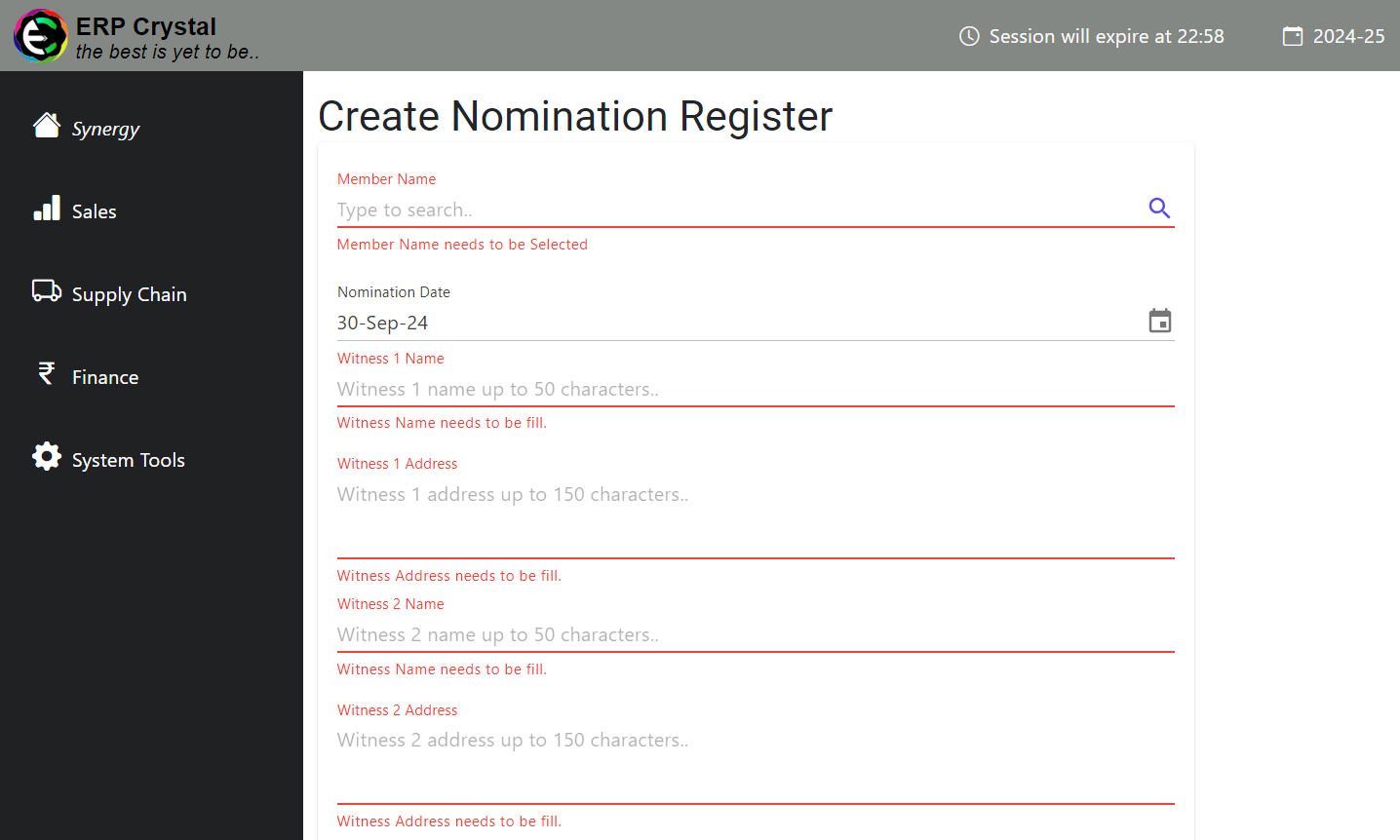
Click On Create New
Fill in the details and Click on Save to Create Records
Make Sure that no Active/Registerd Nomination is availabe for that Member
Step 3: Additional Features
After clicking on Save it will redirect to Details page where you can access other features