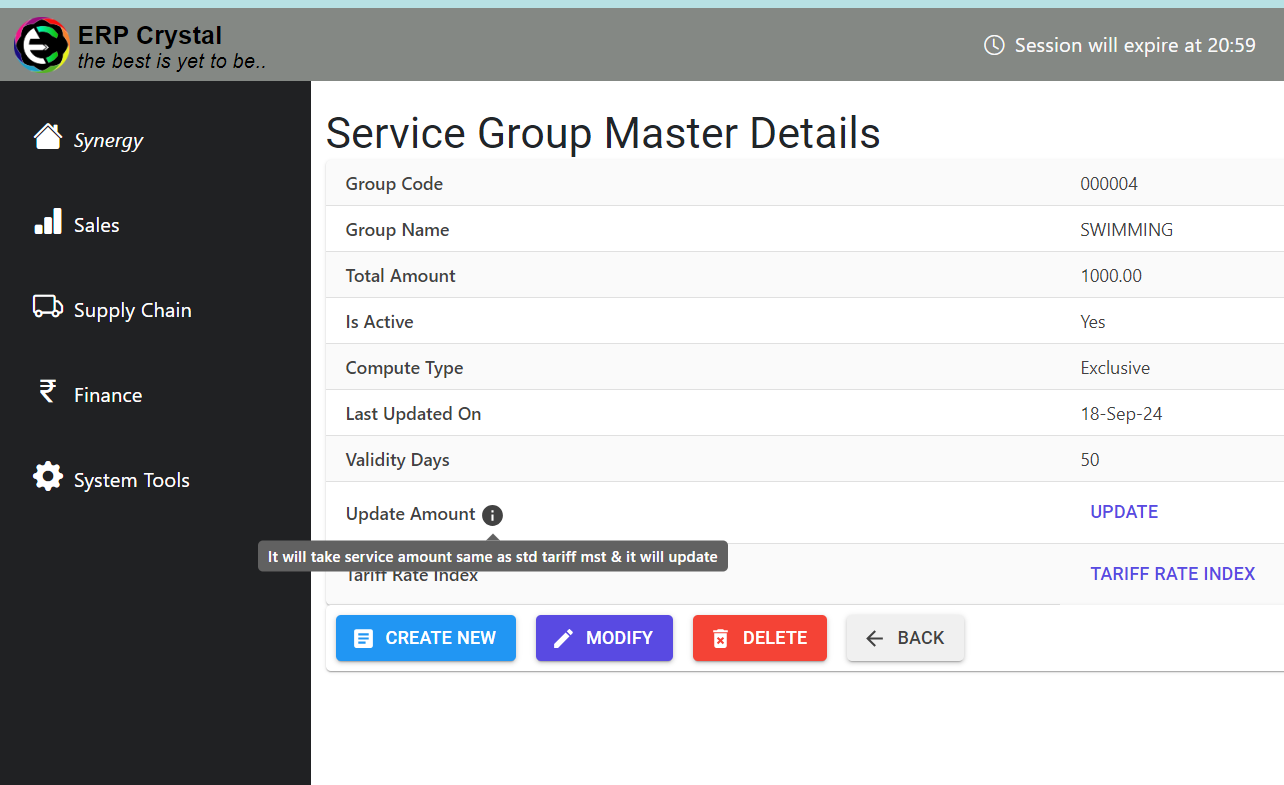
How to Set Up Tariff in Standard Tariff Master
Overview
This guide provides a quick step-by-step process for How to Set Up Tariff in Standard Tariff Master.
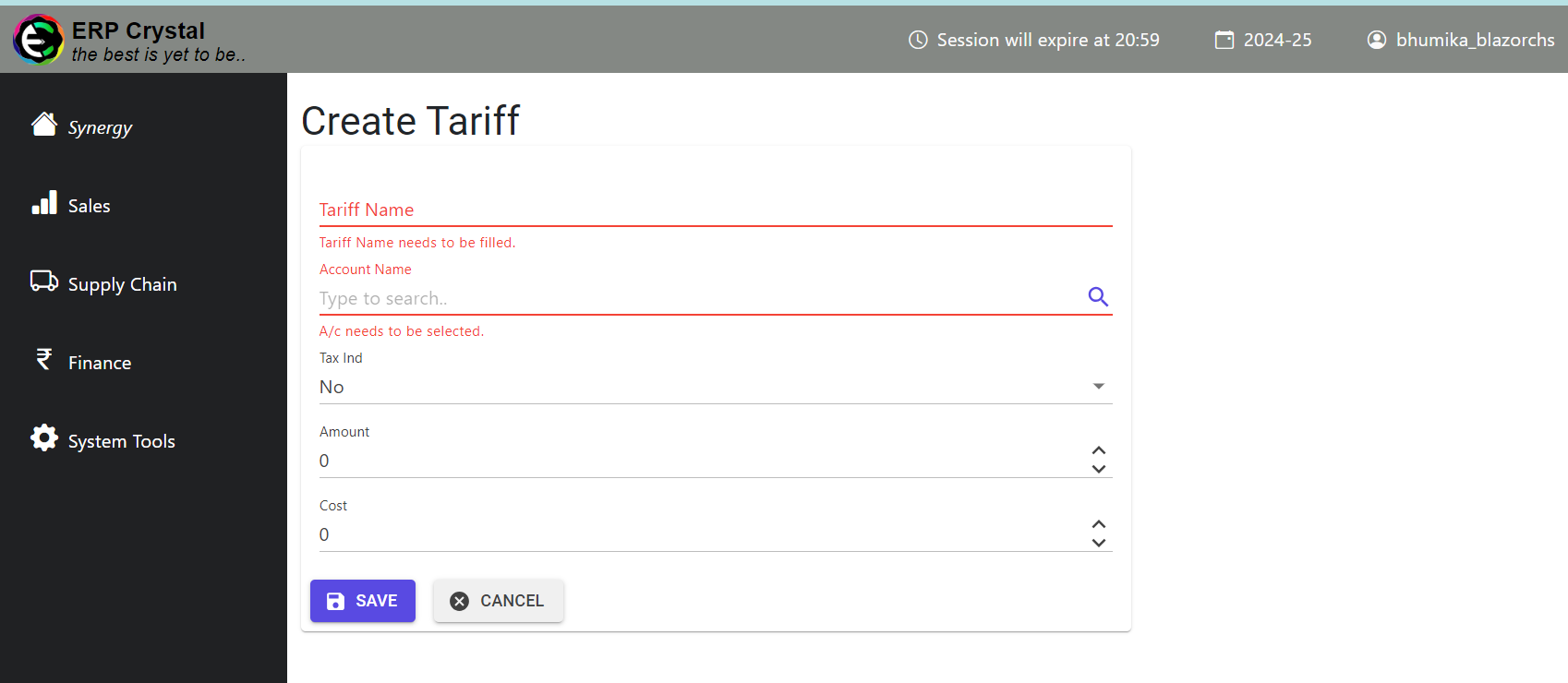
Step 1: Navigate to the System Tools Module
Click on Standard Tariff —> Create New and Create a New tariff
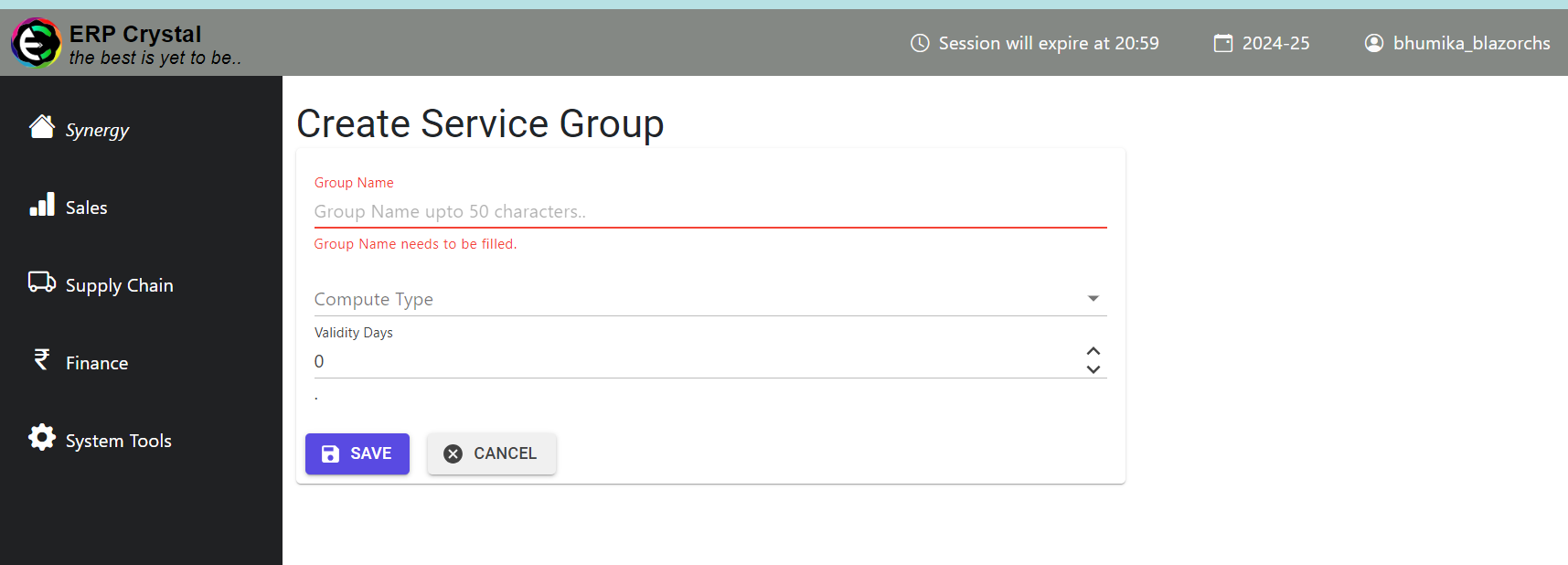
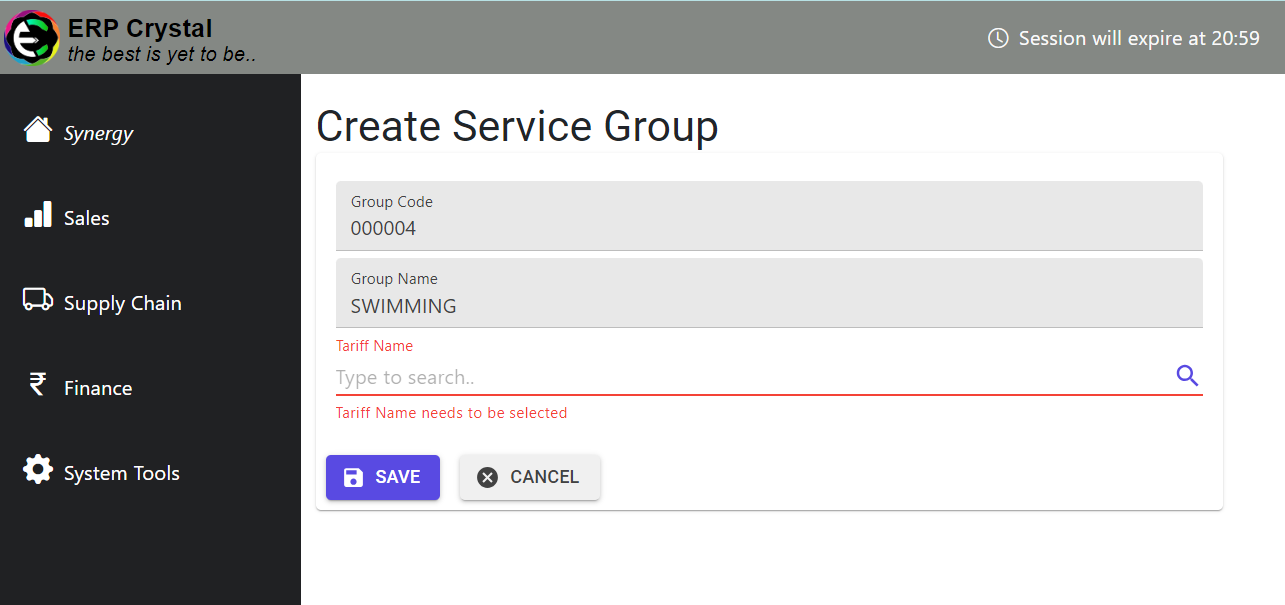
Step 2: Create a Service
Click On System Tools —> Service Group —>Create New
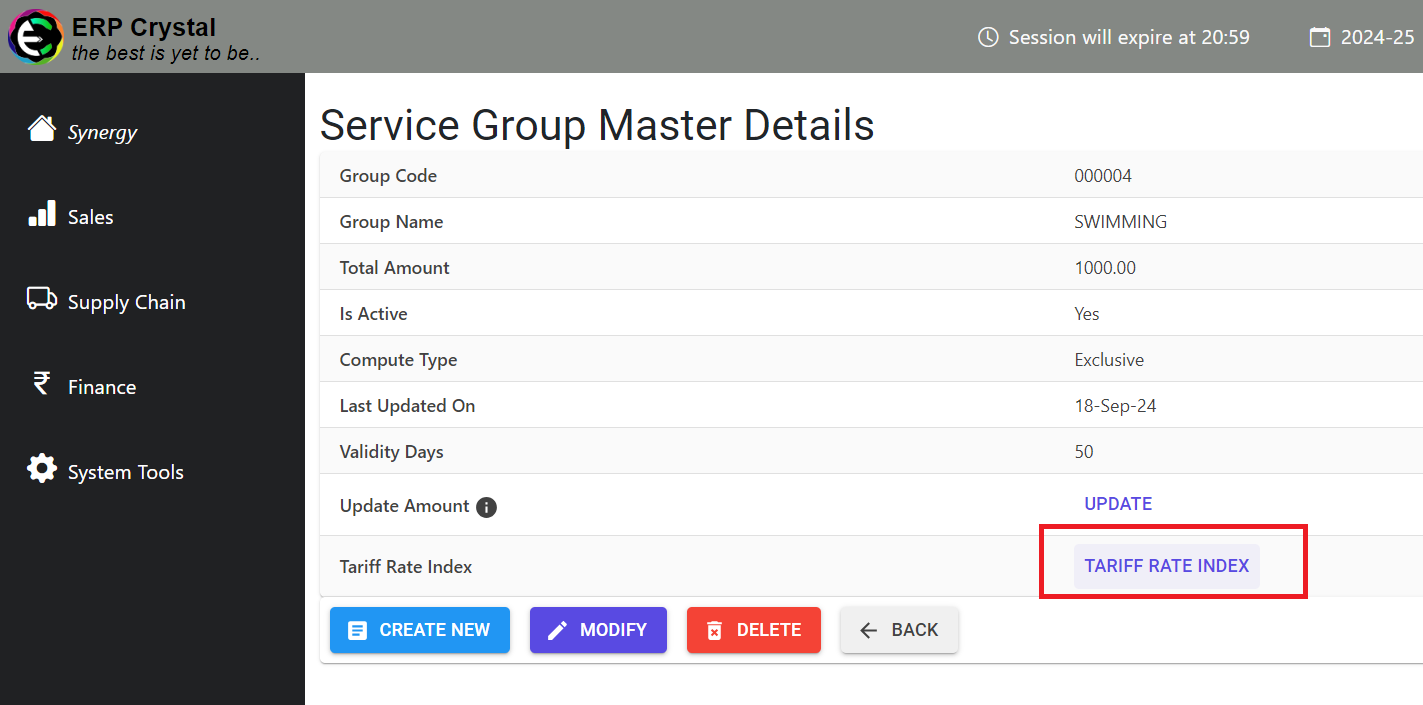
Step 3: Assign Tariff to System
Click Tariff Rate Index —> Create New to link Tariff to Service Group
Step 4: Select the Tariff
Search for the tariff, select it, and click Save
Update Amount Feature
Use the Update Amount feature to synchronize the tariff amount